
Author: Durjoy Kumar Biswas

-
How to Shorten Links for Marketing: Boost Clicks & Track Success
QuitURL makes it easy to shorten links for marketing by transforming long, messy URLs into clean, branded, and trackable short links that are built for performance. With QuitURL, you can customize links using your own domain, track clicks in real time, and apply advanced targeting based on location, device, or language—so every marketing link sends
-
What is a Url Shortener: Ultimate Guide to Boost Your Links
A URL shortener is a tool that takes a long, complex web link and turns it into a much shorter, easy-to-share URL that redirects users to the original destination. QuitURL is a good example—it helps you create clean, readable short links that are easier to share on social media, emails, messages, and marketing campaigns, often
-
Quiturl Vs Bitly: Ultimate Showdown for Best URL Shortener
QuitURL and Bitly both help you shorten and track links, but QuitURL offers a broader, more modern toolset that goes beyond basic URL shortening. QuitURL starts strong with smart short links and branded domains, and then builds on that with advanced features like customizable QR codes, link-in-bio pages, real-time analytics, geo/device/language targeting, CTA overlays, A/B
-
Useclick.Io Vs Quiturl: Ultimate Comparison for Best Link Tools
QuitURL and Useclick.io both help with managing links, but they’re built for slightly different priorities. QuitURL is a dedicated URL shortener that creates clean, customizable short links with reliable performance, basic click tracking, and optional branded domain support — ideal if your main goal is straightforward link shortening and professional-looking URLs for social media, newsletters,
-
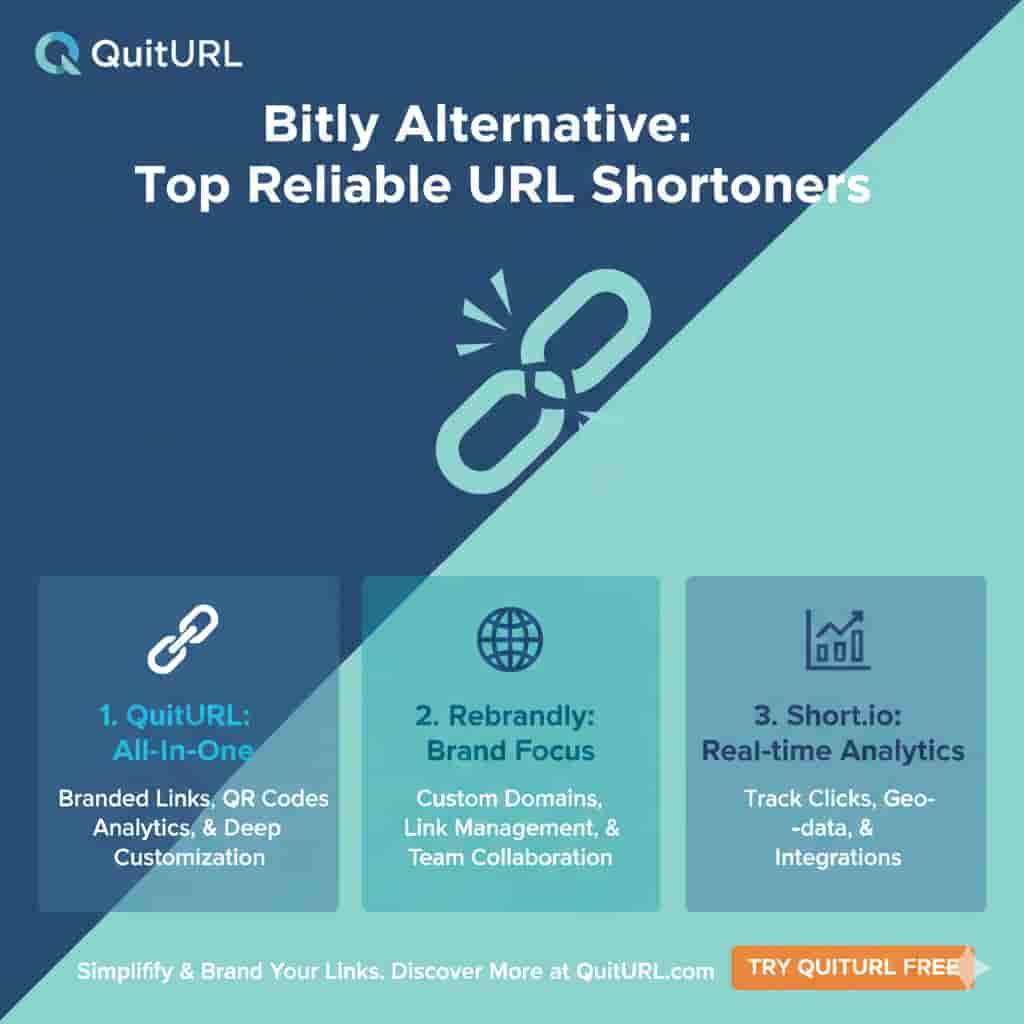
Bitly Alternative: Top Reliable URL Shorteners
If you’re looking for a Bitly alternative with reliable, modern link shortening, QuitURL is one of the best tools to consider first. It offers clean short links, custom branded domains, and clear analytics—all wrapped in a user‑friendly dashboard that’s great for individuals, teams, and brands. For anyone who wants dependable performance without overcomplicated features, QuitURL
-

How to Generate a QR Code in Canva (Step-by-Step Guide)
Creating a QR code in Canva is quick, beginner-friendly, and perfect for sharing links both online and offline. If you’re a marketer, creator, or business owner using tools like QuitURL, Canva can turn any link into a clean, scannable QR code in minutes. Below is a complete, Help Center–ready guide that walks you through the
-

How to Create a QR Code Generator (Step-by-Step Guide)
To create a QR code generator, you need a tool that converts a URL or digital asset into a scannable QR code. The simplest way is to use a link management platform like QuitURL: This approach avoids complex development and gives you tracking, branding, and analytics out of the box. Detailed Explanation Creating a QR
-

How to Generate QR Code for Website | QuitURL Help
To generate a QR code for your website, use a QR code generator like QuitURL. That’s the fastest, most reliable way to create a QR code for a website while also tracking performance. Detailed Explanation QR codes have become a simple bridge between offline and online experiences. Whether you’re adding a QR code to a
-

How to Generate QR Code Easily with QuitURL
To generate a QR code, you simply need a QR code generator, paste the destination link, customize the design if needed, and download the code. With a platform like QuitURL, you can generate a QR code directly from a shortened link, track scans in real time, and update the destination later without reprinting the QR